
You are using an out of date browser. It may not display this or other websites correctly.
You should upgrade or use an alternative browser.
You should upgrade or use an alternative browser.
Handwriting Input Line Thickness
- Thread starter Shun
- Start date

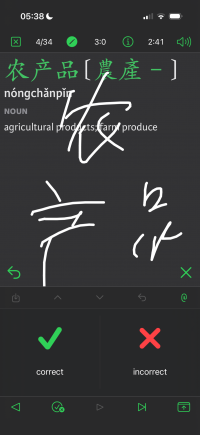
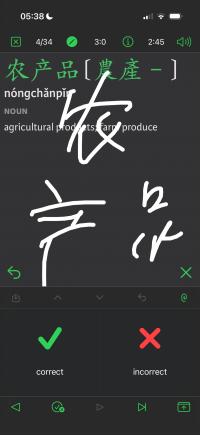

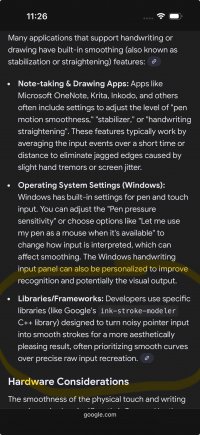

We've experimented with line smoothing algorithms and the big problem is that they tend to have to work after the fact, i.e., it corrects the line you've already drawn, which I at least find kind of disconcerting.
If we ever add a feature that involves drawing images to save permanently - i.e. a visual notes feature or some such - we'd probably use Apple's PencilKit or whatever Android equivalent we can dig up for that, which will give you adjustable line thicknesses and smoothing and different brush types and different colors and all the rest, but right now the only two places we use drawing input are both painfully ephemeral and I'd rather have it feel simple/live/instant than have the results look pretty
If we ever add a feature that involves drawing images to save permanently - i.e. a visual notes feature or some such - we'd probably use Apple's PencilKit or whatever Android equivalent we can dig up for that, which will give you adjustable line thicknesses and smoothing and different brush types and different colors and all the rest, but right now the only two places we use drawing input are both painfully ephemeral and I'd rather have it feel simple/live/instant than have the results look pretty